/************* DO NOT ALTER ANYTHING BELOW THIS LINE ! **************/

Go to: Help Index

Order poster prints


You can create striking poster prints from any of your photos -- provided that the resolution of the photo is high enough.  View minimum resolution requirements.

If your photo is unsuitable for a poster print, we will let you know during the ordering process.

All posters come in 'glossy' finish.

Standard frame, extra large, square and panoramic posters feature a semi-gloss finish.

To create a poster print, follow these steps:

  1. Roll your mouse over the Products menu under the Shop section at the top of the page.
  2. Click on Posters in the menu that appears.
  3. Select the album you would like to order poster prints from, and click the 'Open this album' button.
  4. On the next page, select the photo you would like to order.
  5. Click on the 'Choose this photo' button.
  6. Select the size of poster print and enter the quantity you would like to order.
  7. Notice if there are any yellow triangles next to a print size in your cart. The yellow triangle indicates that the photo is too small to make a high-quality print at the selected size
  8. When you are finished, click 'Add to cart' and the photo will be added to your shopping cart.
  9. When you have finished selecting poster print sizes, quantities and options, click 'Check out'.
  10. Enter your delivery address information and any coupon codes (if applicable). Then click 'Continue'.
  11. On the next page, choose your preferred means of payment and click 'Continue'.  Learn more about payment options. You may also choose to have Snapfish save your payment information for faster checkout on future orders.
  12. Review your order for accuracy. Then click 'Buy now'.
  13. On the final page, you will see a confirmation with your order number. Please print or save this page for your records.
View poster prices.
Learn more about payment options.
Learn more about shipping.
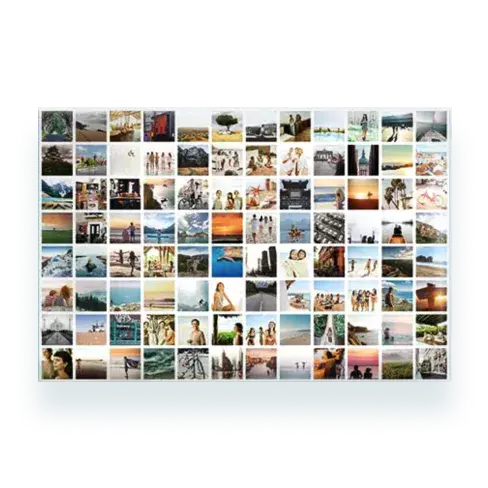
Want more than one photo on a poster print? Order a collage poster!


Still have questions?

If you still need help, please browse the rest of the Snapfish Help section, check out our Customer Service page for the best way to contact our Customer Service team.

Main Help Index
Your photos
Your Account
Sign up and log in
Edit your personal information
Change your email address
Address Book
change newsletter preferences
Unsubscribe from newsletter
Tell a friend
Digital photo services
Upload digital photos
Emailing Digital and Mobile photos
Store photos online
View photos
Share photos
Order prints
Pricing
Photo resolution
Shopping
Order prints
Order photo set
Order prepaid prints
Order poster prints
Order desktop calendar
Order collage poster prints
Order collage prints
Order collage mug
Order collage mousemat
Order collage canvas
Order photo gifts
Order greeting cards
Order Photo Books
Order photo calendar
Product prices
Payment options
Order status
Shipping information
Coupon Codes
Edit and organize photos
Overview
Create an album
Rename an album
Caption photos
Rotate photos
Copy photos
Move photos
Rearrange photos
Delete photos
Delete albums
Fix and enhance photos
Add borders
Snapfish information and policies
Online storage policy
Privacy policy
Online security
Snapfish company information
Customer service
Legal information about our site