




true
false
Your photos have been archived, which may delay your order processing time. More Info

Photo prints

Photo prints

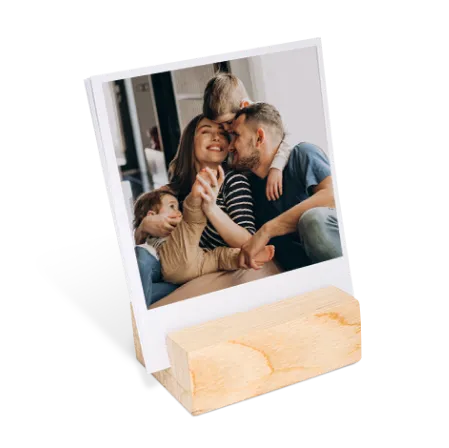
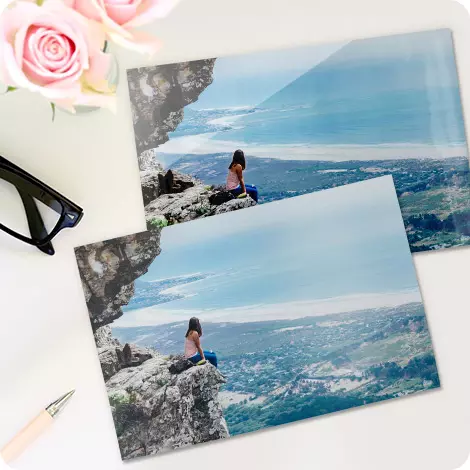
Turn your most treasured memories into high-quality prints with our online photo printing.
Join Snapfish and get 50 free 15x10cm prints!

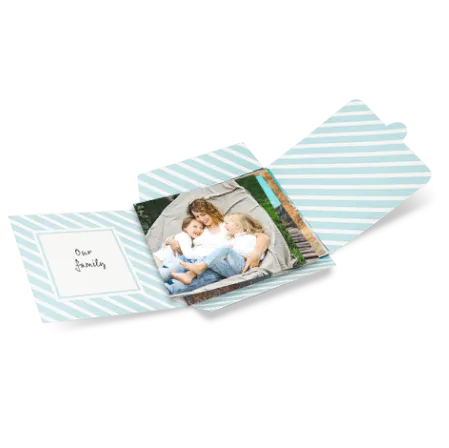
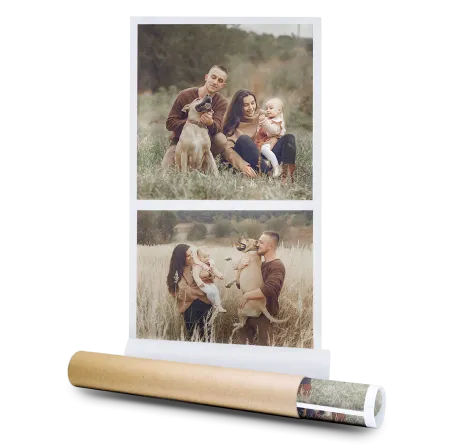
Shop print by type

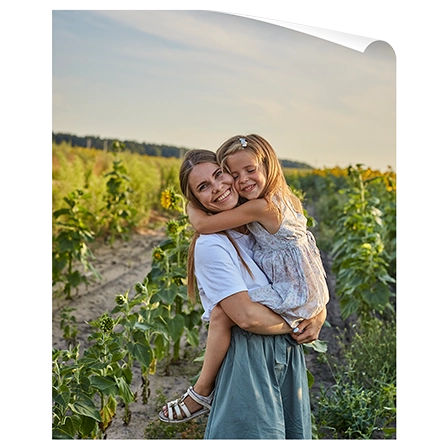
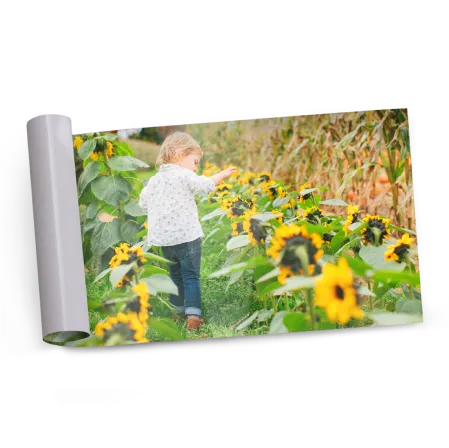
Poster prints

New feature

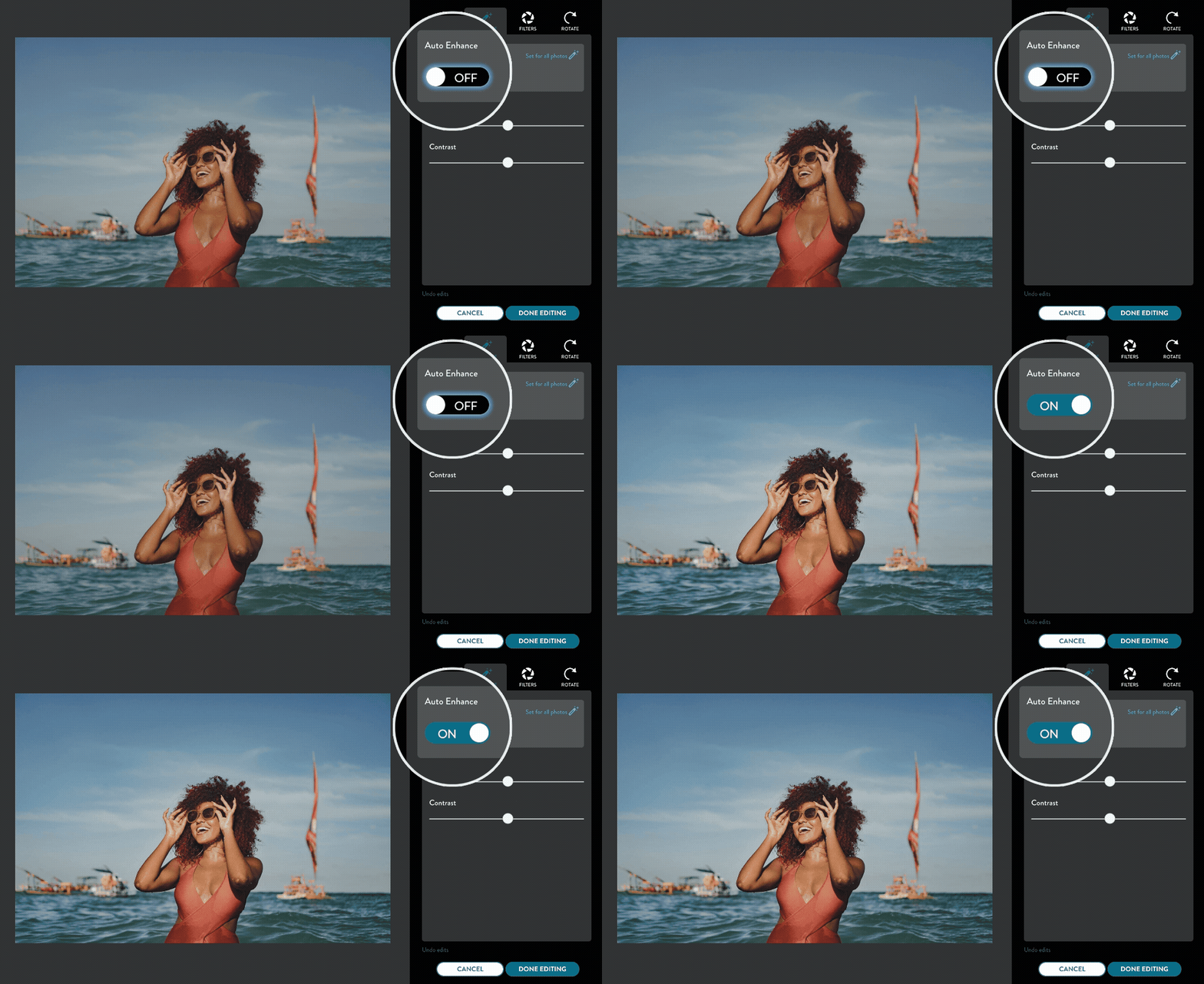
Auto-enhance your photos

Get picture-perfect results in seconds with smart, AI-powered editing. Just click “Edit” to fine-tune your photos—or let us do it for you.
featured gif
featured gif

Photo printing the professional way

It's more than a print. It's a memory worth holding on to.

More products you’ll love

Buy with confidence

Frequently Asked Questions

FAQs

At Snapfish, our number one priority is to offer high-quality prints at great value. Our prints come in many different sizes and formats, so the cost varies depending on the type of prints you order. We also offer standard, tracked and EU delivery options, which are calculated based on the number and size of prints in your order. For more information, check out our pricing page.

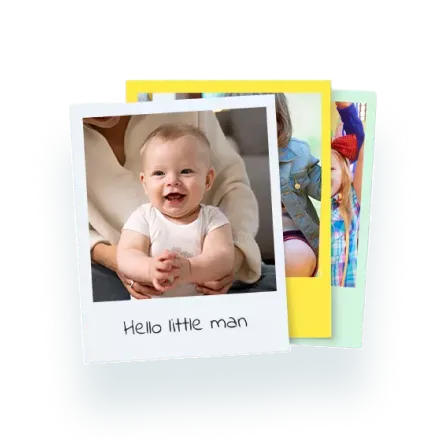
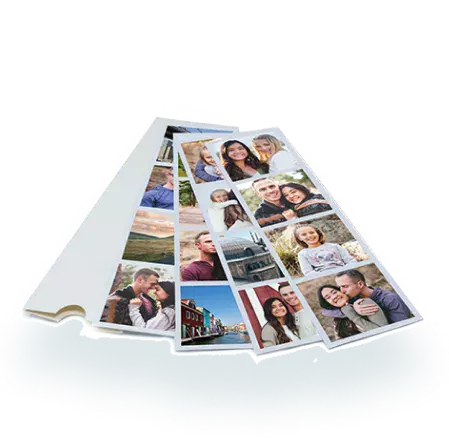
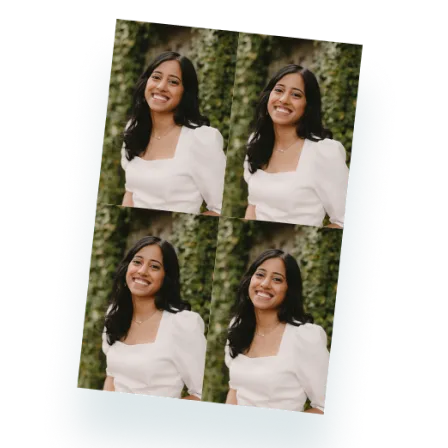
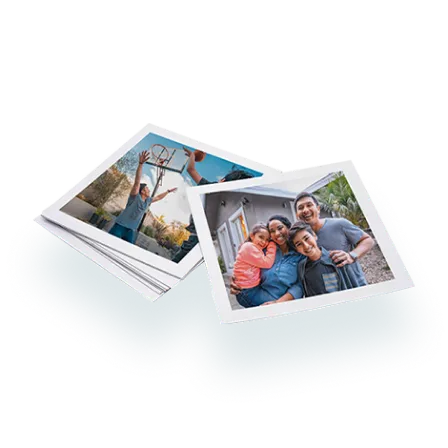
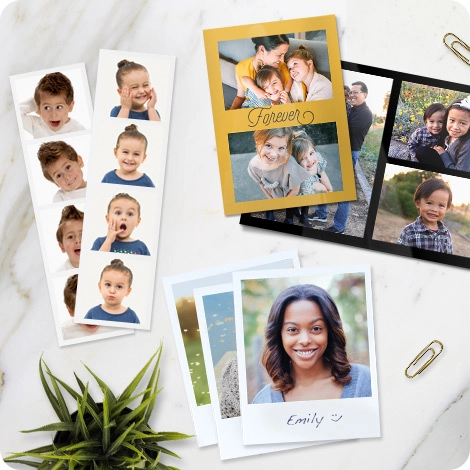
The majority of our prints use 210 gsm FSC-accredited photo paper and professional-standard inks, giving you the quality prints that your memories deserve. For speciality photo printing such as our retro prints and photo strips, we use 300gsm uncoated matt card stock to give a super luxury feel.

Our online photo printing service allows you to print your photos in a wide selection of sizes ranging from 10x10cm square prints to large 100x75cm prints. We also offer a “best fit” photo printing option which is tailored to the shape of most digital camera images. This format produces a 13x10cm print, exactly the way you captured it with your camera. When you choose this size you never have to worry about your prints being cropped during the photo printing process. Unfortunately, at this time we do not offer custom sizes.

Yes, you can add a black and white filter to your prints along with many other colour filters. To create a black and white photo print, follow these steps. Once you’ve added your image to the builder, click the EDIT button underneath the image and select the FILTERS icon. You’ll then find an option to add a black and white filter to your print.

The easiest way to order photo prints from your phone is through the Snapfish app. Simply upload your photos from Facebook, Google Photos or your phone’s gallery, choose the size of your prints and place your order. As a bonus, we’ll even give you 50 free prints a month for the first year when you download the Snapfish app!

print page name : photo-printing

print page url : /photo-printing

dcr path:

isFooterOff : true

isFooterOff1 : false

isItAmazonCobrand : false